$64.74
$99.7
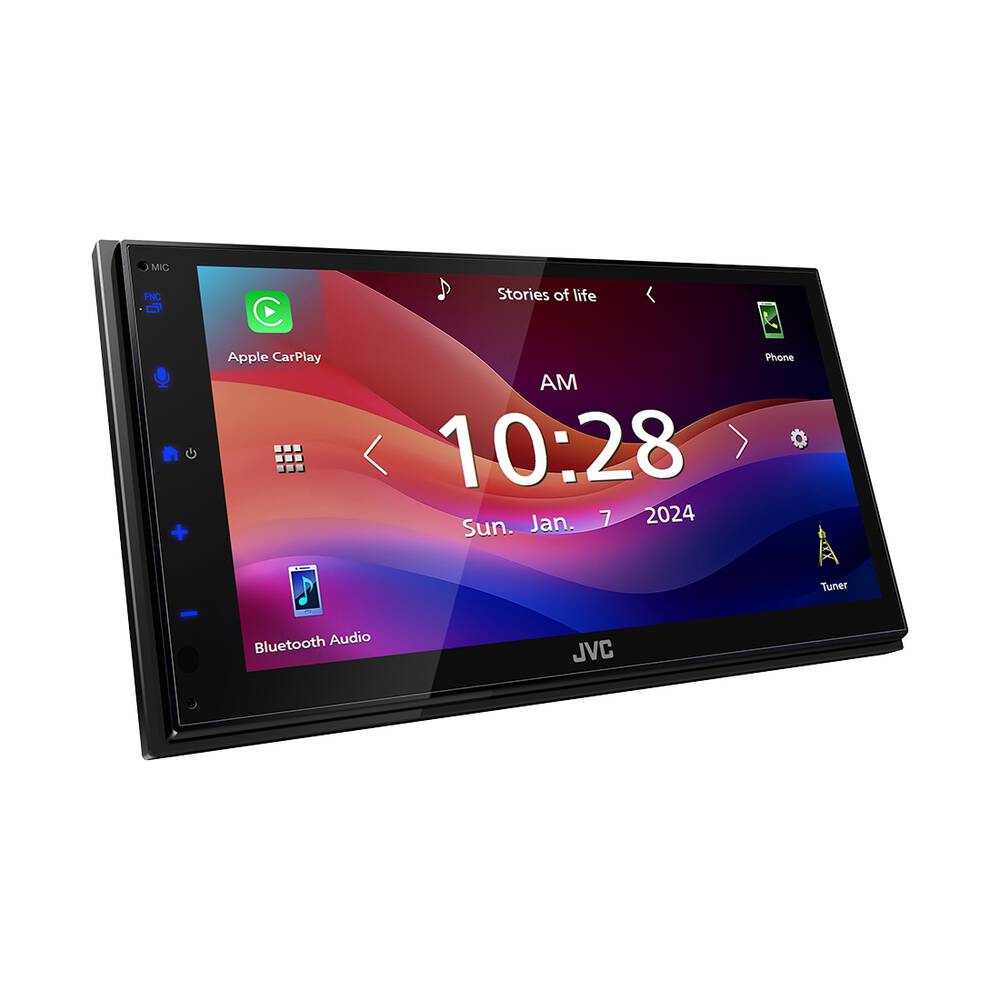
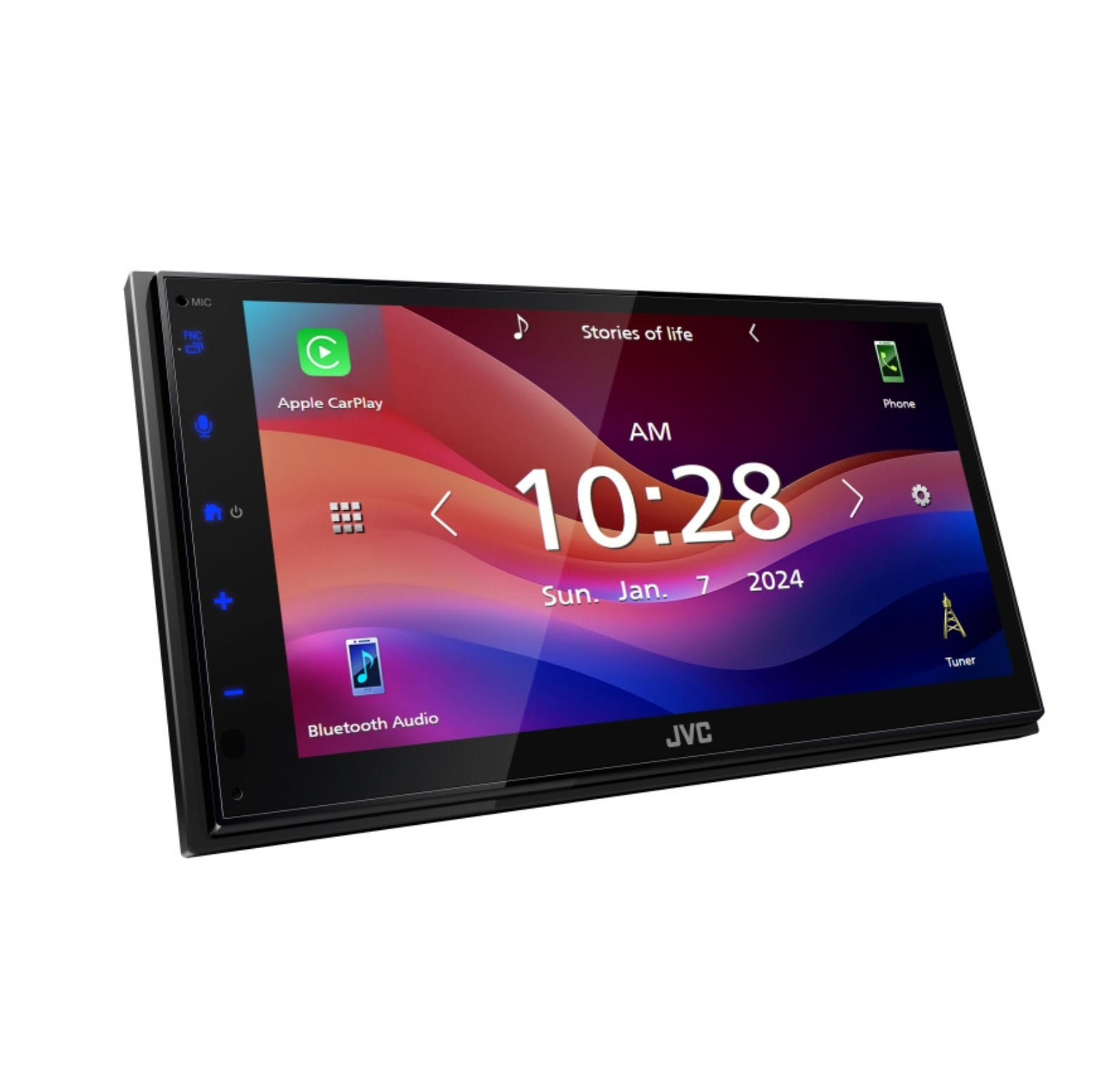
DescriptionJVC KW-M690BW Wireless Carplay/ Android AutoScreen Size6.8″W SVGATouch PanelCapacitiveCustomisable GUIYesKey Illumination ColorBlueDimmerYesMultilingual DisplayYes[4]Media PlaybackMP3 Compatible with TagUSBWMA Compatible with TagUSBWAV Compatible with TagUSBAAC Compatible with TagUSBFLAC Compatible with TagUSBH.264 CompatibleUSBWMV CompatibleUSBMPEG 1/2 CompatibleUSBMPEG 4 CompatibleUSBMKV CompatibleUSBBluetooth ControlBuilt-in Bluetooth[1]Yes (Hands-Free MIC Built-in)Hands Free CallYes (HFP1.7)Audio Streaming & Control (A2DP, AVRCP)YesSupported Audio FormatsAAC / SBCVoice Dialing (voice recognition compatible mobile phone required)YesPhone Book Access Profile (PBAP)YesAuto Pairing for iPhone/AndroidYesWi-Fi ControlBuilt-in Wi-FiYesAndroid ControlAndroid Auto[2]Yes (via Wi-Fi or USB)Mirroring for AndroidYes (via Wi-Fi) *Need mirroring AppAndroid Music PlaybackYes (via Bluetooth®)iPod/iPhone ControlCarPlay[3]Yes (via Wi-Fi or USB)Mirroring for iPhoneYes (via Wi-Fi) *Need mirroring AppiPhone Music PlaybackYes (via USB or Bluetooth®)USBUSB Portx 1 (High Speed)PositionRearUSB Power SupplyYes (2.1A High Current Charging)Radio TunerRadio Data SystemYesPreset Stations36(FM:24ch, AM:12ch)Auto Memory EntryYesFMFrequency Range87.5-108.0MHzAMFrequency Response531-1,611kHzAudioMaximum Power Output (Front & Rear)50Wx4Full Bandwidth Power (Front & Rear)22W x 4EQYes (13-Band Graphic EQ)Preset EQYes (7Preset 3user)Bass BoostYesHigh-Pass Filter/Low-Pass FilterYes/YesSpeaker Size ControlYesInputs and OutputsVideo Outx 1 (V:RCA)Rear view camera InputYesLine Output Terminals2Preouts Sub WF (Mono)Pre-output Level/Impedance2.5V / 10k ohmsSubwoofer Output with Level/Frequency ControlYes (Normal / Reverse)GeneraliDatalink Maestro ReadyYesBack Up MemoryYesShort ChassisYesWireless Remote Control TypeOptional (RM-RK259 required)Steering Remote Control ReadyYesLearning Direct OEM RemoteYesDimensions (W x H x D)Installation Size178 x 100 x 85.7 (mm)Weight1.03kg (Including Trim plate)Unit weight in individual package1.53kg[1]Available functions depend on mobile phone. [2]Compatible Android phone and compatible active data plan required. [3]Supported on iPhone 6s, 6s Plus, 7, 7Plus, 8, 8Plus, X, XS, XS Max, XR, 11, 11Pro, 11Pro Max, SE(1st G), SE(2nd G),12, 12 mini, 12Pro, 12Pro Max, 13, 13 mini, 13Pro, 13Pro Max, 14, 14Plus, 14Pro, 14Pro Max, 15, 15Plus, 15Pro, 15ProMax. The service may not be available in certain countries. [4]Multilingual (English, Spanish, Chinese (Simplified), Chinese (Traditional), Thai, Turkish, Arabic, Persian, Malaysia, Indonesia)Gesture Touch ControlJust touch and move your finger over the screen for various operations corresponding to your finger-movements (for some sources, the Gesture Touch Control is not available). Intuitive control provides safer operation for in-car entertainment. Capacitive TouchscreenThe Capacitive touch screen provides high clarity and uses a superior touch control, requiring lighter contact with greater accuracy. 6.8″ WSVGA LCD DisplayThe WSVGA display reproduces approximately 1.6 times higher resolution than the conventional WVGA display. You can enjoy finely detailed expression of color gradients and lifelike visuals in dramas and movies, enhancing your viewing experience.iDatalink Maestro – Advanced Vehicle IntegrationiDatalink Maestro RR/RR2 (sold separately) enables the retention of the factory steering wheel audio controls, factory amplifier, secondary displays, and can even display vehicle information (performance data, climate controls, battery voltage, etc.) when connected to compatible vehicles.Bluetooth Voice RecognitionImproved Sound Quality with HFP 1.8Improved sound quality thanks to HD Voice contributes to a higher level of voice recognition accuracy.Bluetooth AVRCP1.6 for Versatile Song SelectionIn addition to repeat and random playback of music files, you can also easily search for songs using the browsing function. Just look for and choose the song you want to hear from the folder name and song name lists.Streaming MusicListen to popular music applications and music stored on your device with basic audio controls.13-Band EqualizerUse the 13-Band Equalizer to manually adjust the sound to your taste.Time AlignmentBy selecting the speaker type and the distance to the center of the listening position, the receiver will automatically adjust the timing of the sound output from each of the speakers so that the sound from each of the speakers will arrive exactly at the same time to the listening position.
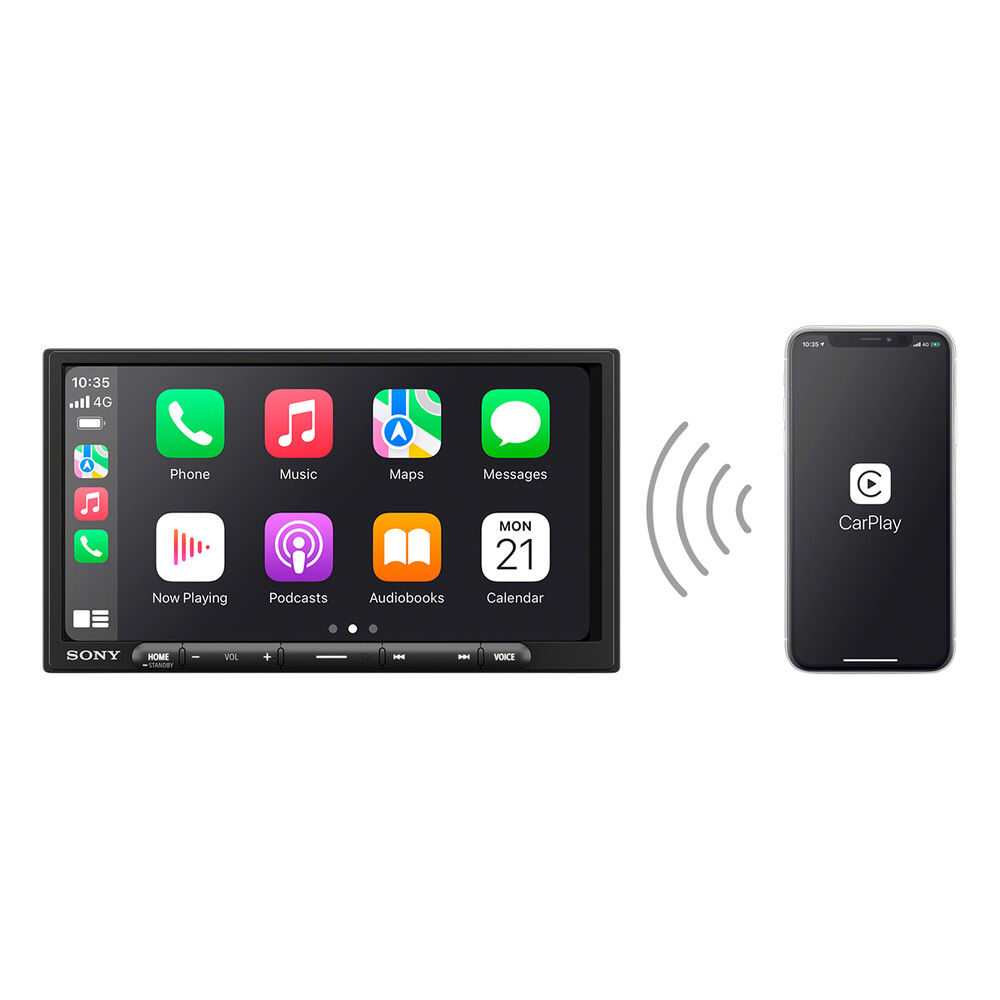
Apple Carplay